Use cases
Every team ships screenshots differently. PerfectDeck fits each workflow.
Solo founders need speed. Marketing teams need brand consistency across releases. Agencies need multi-client scale. PerfectDeck adapts to all three — replacing manual design cycles with AI-powered generation that stays on-brand and ASO-ready.
Use case 01
Indie developers & solo founders
You built the app. Now you need screenshots that look professional, and you need them before the weekend. Hiring a designer costs $500+ and takes a week. Template tools still need hours of pixel-pushing. PerfectDeck gives you polished, store-ready screenshots from a text prompt and your actual app screens.
Upload your product screens, describe the style you want, and generate a complete set for both iOS and Android. When your next release changes the UI, regenerate in minutes instead of starting a design brief from scratch.
How indie developers use PerfectDeck
Upload real product screens
Take screenshots from your device or simulator. No mockups needed.
Describe the vibe in plain language
"Clean and minimal with blue gradients" or "Bold and energetic with dark backgrounds."
Generate and iterate
AI creates multiple layout options. Refine with short prompts until it matches your vision.
Export for both stores
Download iOS and Android-ready files with correct dimensions and safe areas.
Best for
- Solo founders shipping side projects
- Bootstrapped teams with no design budget
- Developers iterating fast on early-stage apps
- First-time app publishers needing guidance
Without PerfectDeck
- ✕ $500+ for a freelance designer
- ✕ 5–7 day turnaround
- ✕ New brief for every UI change
- ✕ One store at a time
With PerfectDeck
- AI handles layout and framing
- Minutes, not days
- Regenerate from same prompt
- iOS + Android in one pass
40+
Languages supported
2x
Faster iteration
0
Broken brand variants
Use case 02
Product marketing teams
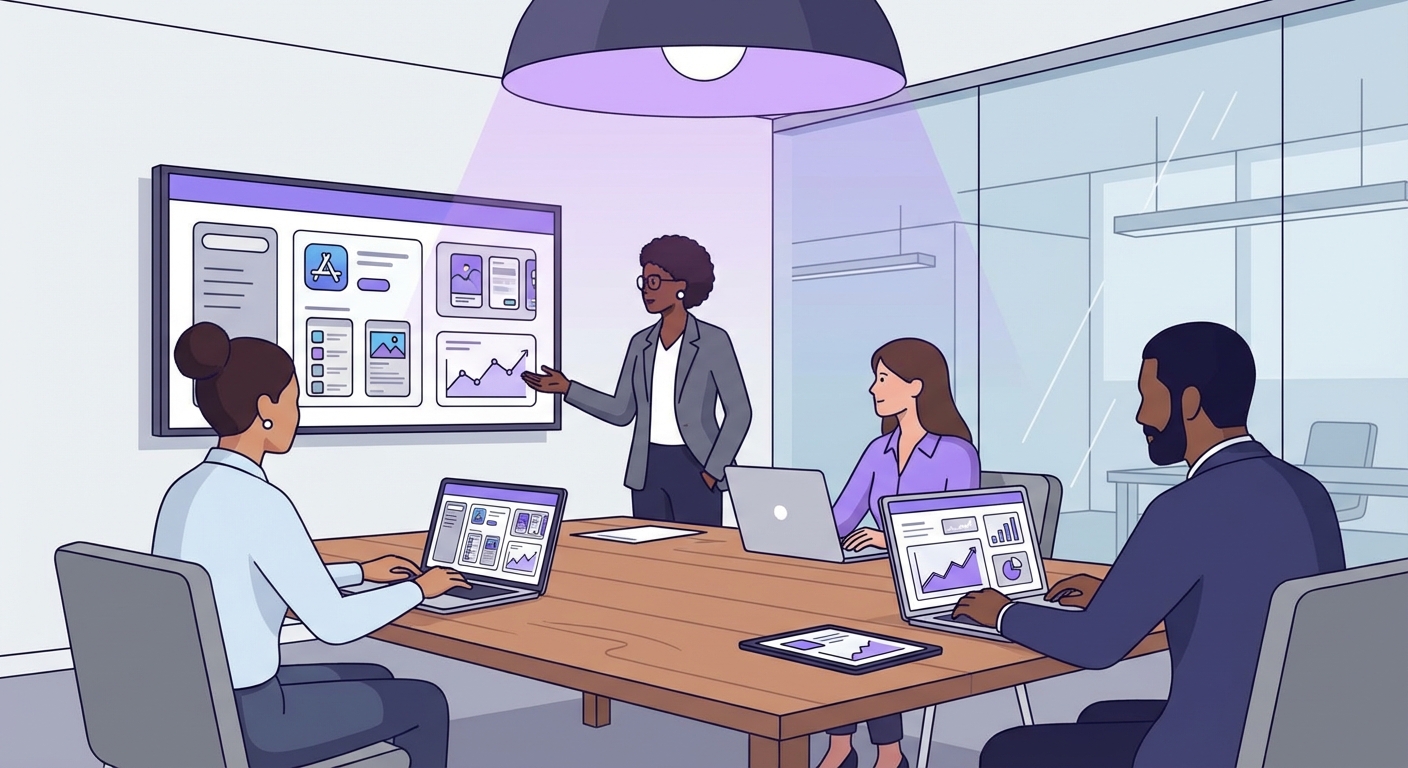
Your screenshot set needs to match the launch messaging, reflect the latest UI, pass brand review, and land in 15 locales — before the release date. The traditional workflow means a design brief, a round of mockups, three feedback cycles, and a localization handoff that doubles the timeline.
PerfectDeck collapses that pipeline. Product marketing writes the headline copy, generates layouts directly from the copy and product screens, and iterates with prompt-based revisions. Localization happens in the same tool. Brand guardrails keep every variant on-brand without manual checks.
The marketing team workflow
Define launch messaging
Write the headline copy and value propositions for the release. Frame 1 carries the hero message.
Generate screenshot concepts
Feed messaging + product screens to PerfectDeck. Review multiple layout directions instantly.
Iterate with prompt-based revisions
"Make the headline bolder," "Switch to the dark background," "Add the new pricing badge."
Localize and export
Generate localized variants in 40+ languages. Text expansion and layout adjustments are handled automatically.
Best for
- Feature release screenshot updates
- Multi-locale launch coordination
- A/B testing different messaging angles
- Seasonal and promotional campaigns
Use case 03
Agencies, studios & consultancies
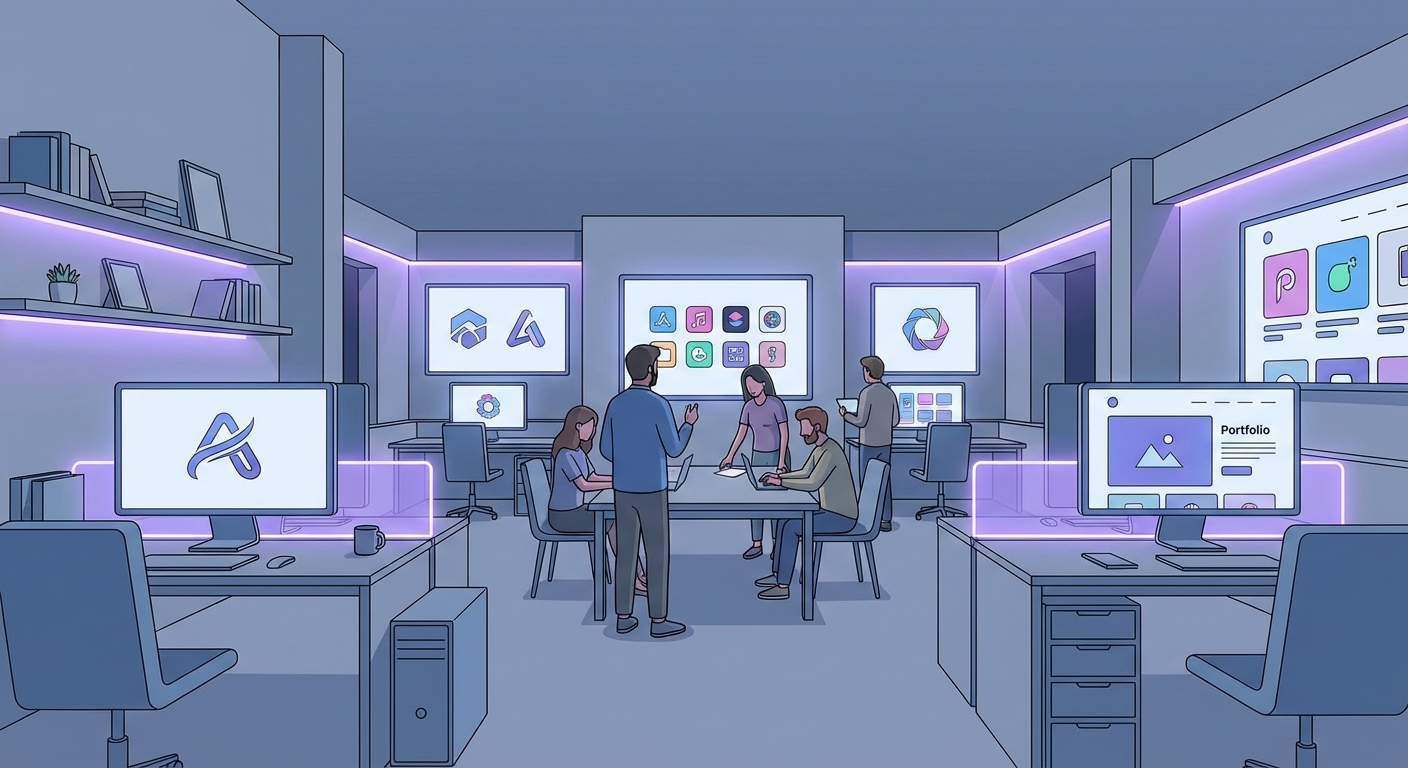
When you manage screenshots for 5, 10, or 50 client apps, every manual step multiplies. Different brand guidelines, different device requirements, different locales. One missed color code or misaligned badge across a client portfolio becomes a quality control problem that erodes client trust.
PerfectDeck gives agencies a structured, repeatable process. Set up brand guardrails per client — colors, typography, logo placement, tone — and generate screenshot sets that stay within those guardrails by default. When a client needs an update, regenerate from the existing project instead of reopening a Figma file from six months ago.
The agency workflow
Set up client brand profiles
Define palette, fonts, logo placement, and tone for each client. Applied automatically to every generation.
Generate per-client screenshot sets
Upload each app's product screens and generate with client-specific guardrails active.
Localize across client markets
One client needs 5 locales, another needs 20. Generate all variants from the same source project.
Export standardized deliverables
Every export follows the same structure — correct sizes, naming conventions, and store-ready files.
Best for
- App marketing agencies with multi-client portfolios
- Game studios managing multiple titles
- ASO consultancies running localization campaigns
- Development shops adding screenshot services
Agency scale example
Real scenarios
Common workflows PerfectDeck accelerates
Screenshots are not a one-time task. They change with every release, every new market, and every seasonal campaign. Here are the workflows where PerfectDeck eliminates the bottleneck.
Launch day
The app binary is submitted. The release notes are written. But the screenshots still show the old UI and the previous tagline. With PerfectDeck, upload the latest screens, update the hero copy, and regenerate the entire set before App Review even responds.
Key actions
- Replace outdated product screens
- Update hero messaging for the new feature
- Regenerate all locales simultaneously
- Export and upload same day
Global expansion
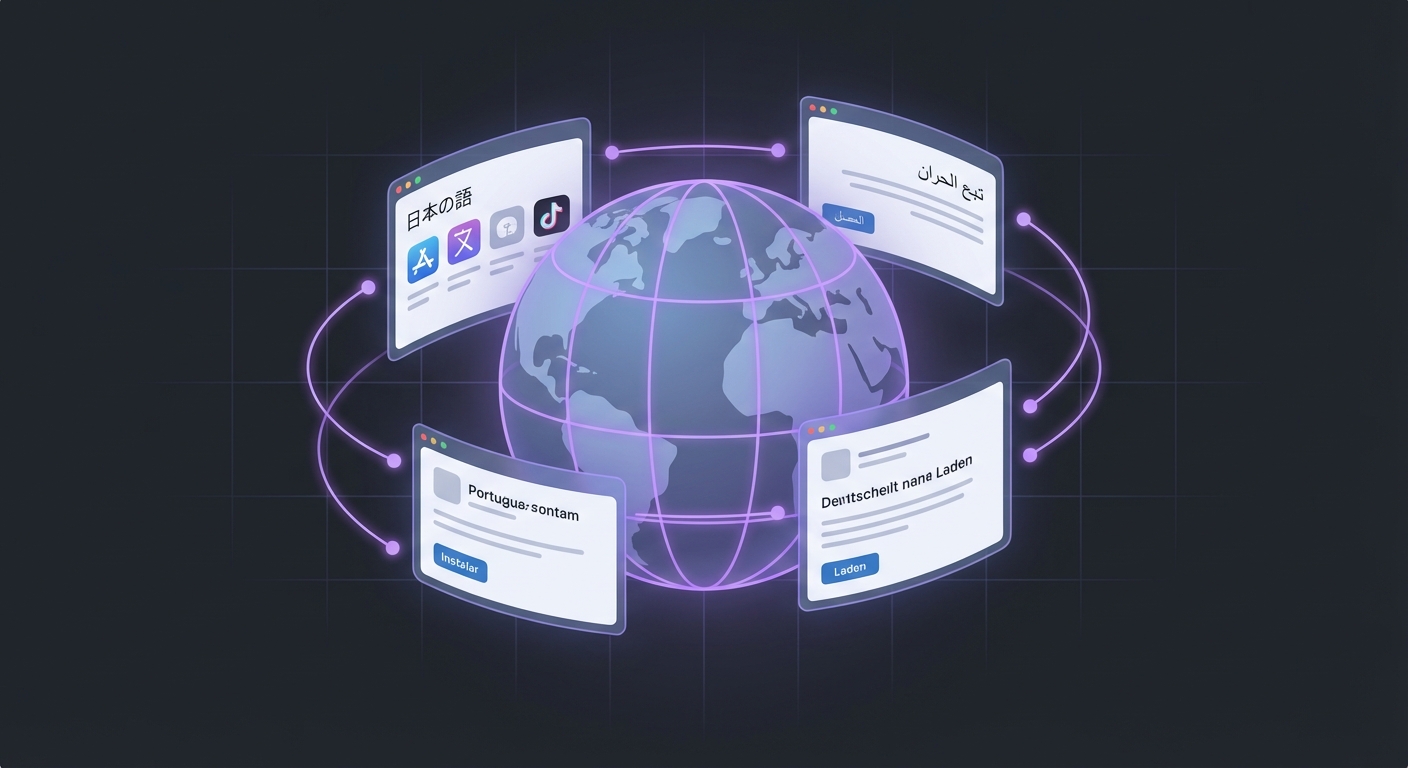
You are launching in Japan, Germany, and Brazil next quarter. Each market needs screenshots with translated copy, culturally appropriate imagery, and correct text direction. PerfectDeck generates localized variants from your English source, adjusting layouts automatically for text expansion and RTL scripts.
Key actions
- Select target languages from 40+ options
- Auto-adapt layouts for text length differences
- Export locale-specific file sets
- Match store listing metadata per market
A/B testing cycle
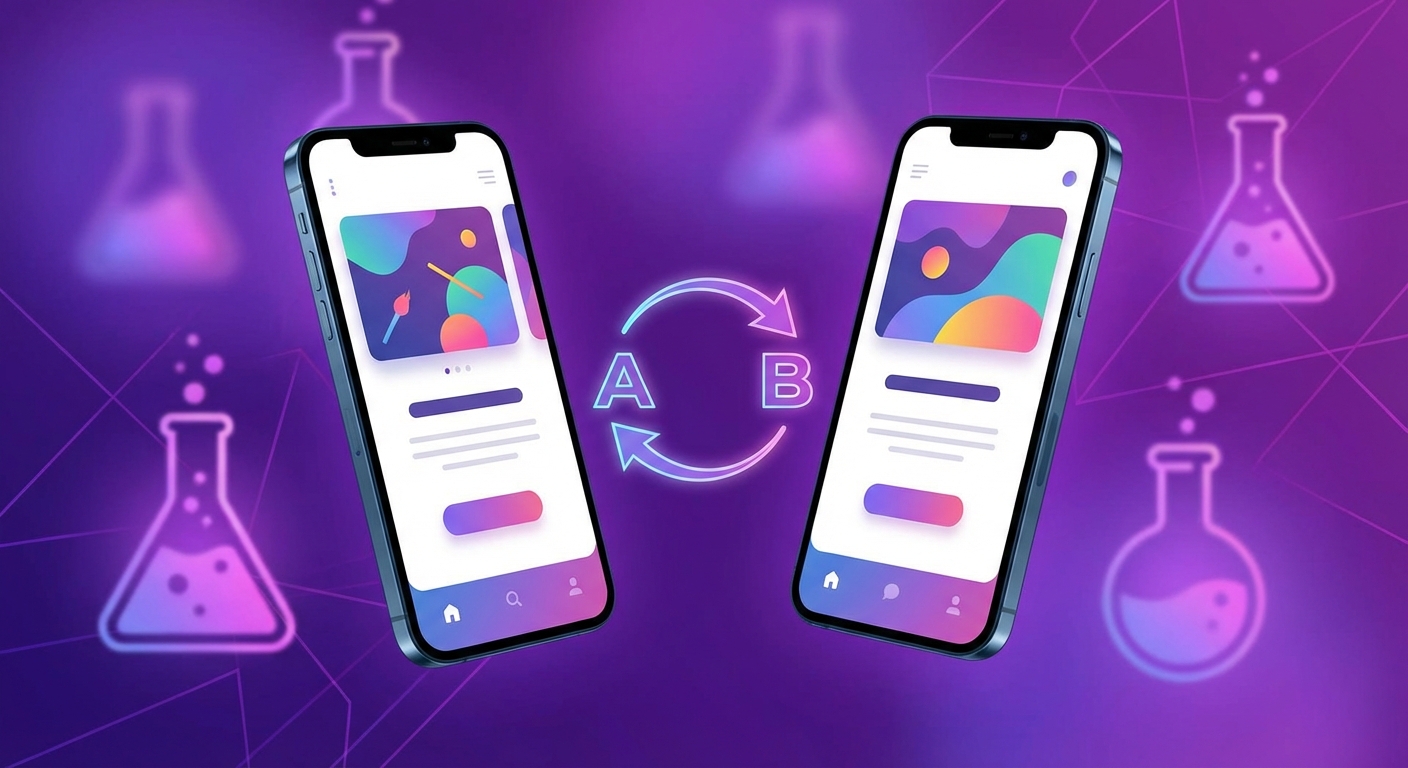
You want to test whether a social proof headline ("Trusted by 1M+ users") outperforms a benefit headline ("Save 5 hours every week") in Frame 1. The traditional approach means requesting two design variants and waiting days. With PerfectDeck, generate both variants from a single prompt change, export, and upload to Apple PPO or Google Play experiments within the hour.
Key actions
- Generate variant A and variant B from prompt changes
- Keep all other elements identical for valid testing
- Export both sets for store experiment upload
- Apply winner and iterate for next test
Seasonal updates
Black Friday, back-to-school, New Year resolutions, summer travel. Each seasonal moment is an opportunity to refresh your store listing with relevant messaging. Apps that update screenshots seasonally see measurably higher browse conversion during those windows. PerfectDeck makes seasonal refreshes a prompt change, not a design project.
Key actions
- Swap hero copy for seasonal messaging
- Update background colors or gradients to match the season
- Regenerate all locales with seasonal variants
- Revert to standard screenshots after the campaign
Post-redesign refresh
Your app just got a major visual overhaul — new color scheme, new typography, new navigation. Every existing screenshot now misrepresents the product. Users who install expecting the old interface feel misled. PerfectDeck lets you replace all product screens and regenerate the complete set with the new brand system in one session.
Key actions
- Upload new product screens reflecting the redesign
- Update brand guardrails (colors, fonts)
- Regenerate all screenshots from existing copy
- Re-export for all stores and locales
Competitive response
A competitor just launched a feature your app already has — but their screenshots now highlight it prominently while yours is buried in Frame 5. You need to reorder your screenshot sequence and promote that feature to Frame 1 or 2. PerfectDeck lets you restructure the sequence and regenerate without starting from scratch.
Key actions
- Audit competitor screenshot changes
- Reorder your frame sequence to emphasize differentiators
- Update hero messaging to counter competitor claims
- Regenerate and ship quickly
Workflow comparison
Traditional design process vs. PerfectDeck
The traditional screenshot workflow involves 4–6 roles, multiple handoffs, and a timeline measured in weeks. PerfectDeck compresses the creative and localization stages into a single step, while keeping the strategic stages (messaging, QA, upload) where humans add the most value.
Traditional process
Total: ~12 business days
With PerfectDeck
Total: ~2 business days
By industry
Screenshot needs vary by vertical
Every app category has its own screenshot conventions, user expectations, and competitive dynamics. PerfectDeck adapts to the patterns that work for your vertical.
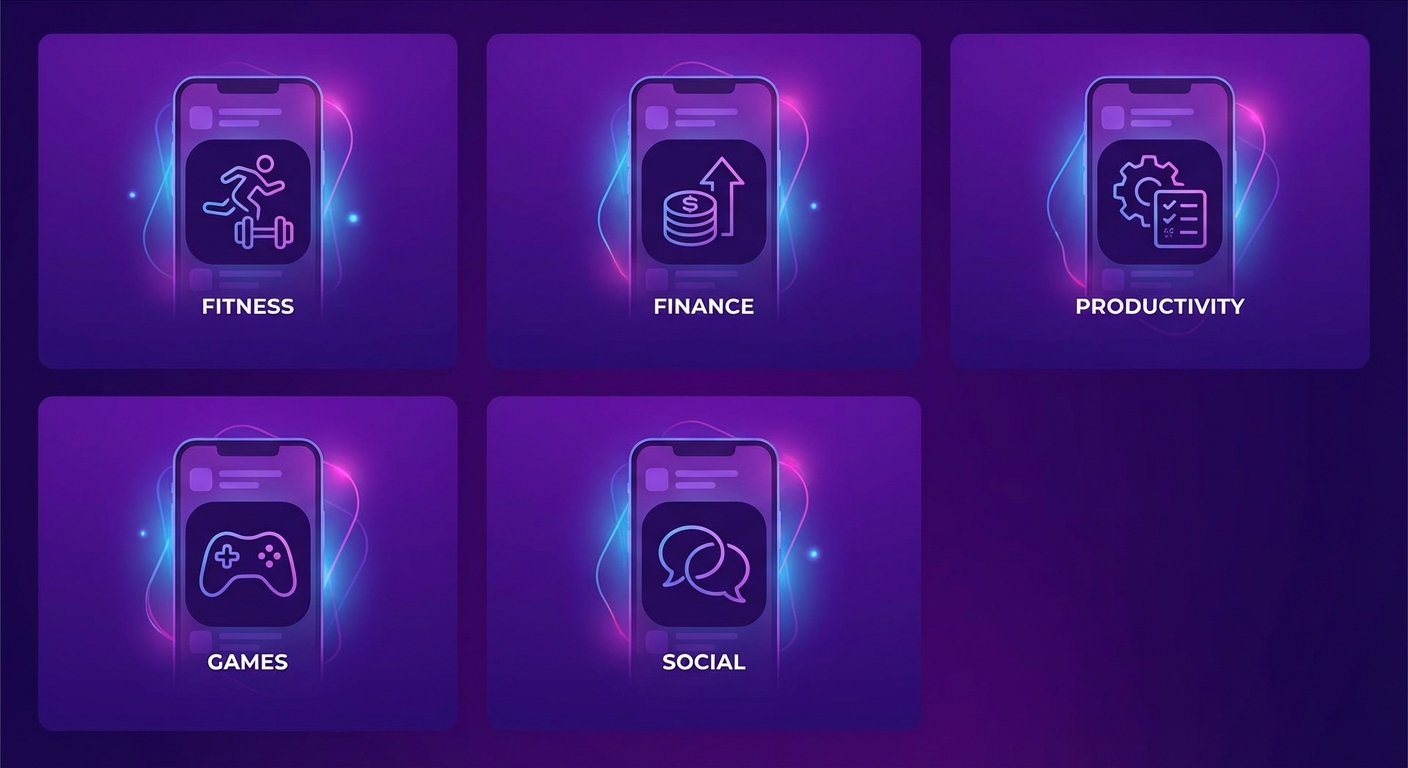
Gaming
Gameplay captures, character showcases, and action-packed sequences. Frame 1 needs to convey the excitement that makes users tap install. Generate cinematic-feel screenshots from raw gameplay.
Key: Emotional impact in Frame 1
Finance & Banking
Trust and security matter more than flashy visuals. Clean layouts with professional typography, subtle gradients, and prominent credibility signals like encryption badges and review counts.
Key: Trust signals and clean data
Health & Fitness
Before-and-after patterns, progress tracking visuals, and aspirational lifestyle framing. Users want to see the outcome, not just the interface. Generate motivation-driven sequences.
Key: Outcome-first storytelling
SaaS & Productivity
Feature-dense apps need clear visual hierarchy. Lead with the time saved or friction removed, then show key features in a logical sequence. Avoid overwhelming the first frame with UI complexity.
Key: Clear hierarchy, benefit-led
E-Commerce & Delivery
Product variety, deals, and convenience drive installs. Screenshots should show the breadth of the catalog, ease of ordering, and delivery speed. Real product imagery increases trust.
Key: Variety and convenience
Social & Communication
Connection and community are the emotional drivers. Show real conversations, group interactions, and the social experience. Use warm tones and lifestyle contexts to convey belonging.
Key: Connection and community feel
Feature fit
Which features matter most for your team
Different roles prioritize different capabilities. Here is how PerfectDeck features map to each persona.
| Feature | Indie | Teams | Agencies |
|---|---|---|---|
| AI layout generation | ●●● | ●●● | ●●● |
| Prompt-based revisions | ●●● | ●●○ | ●●○ |
| Localization (40+ languages) | ●○○ | ●●● | ●●● |
| Brand guardrails | ●○○ | ●●● | ●●● |
| iOS + Android export | ●●● | ●●● | ●●● |
| Multi-project management | ●○○ | ●●○ | ●●● |
| Fast iteration speed | ●●● | ●●○ | ●●○ |
●●● = Primary driver ●●○ = Important ●○○ = Useful but secondary
Build your next App Store screenshot set
Whether you are a solo developer shipping your first app or an agency managing dozens of clients, PerfectDeck adapts to your workflow. Start with your real product screens and let AI handle the rest.